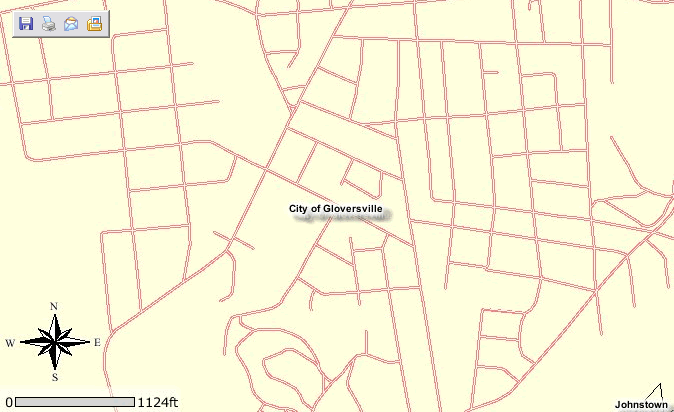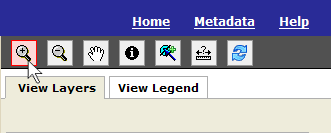
To Zoom In:
1) Select the Zoom In tool from the map tools toolbar in the upper right-hand corner of the application.
2) With your mouse pointer either click on the map or hold down the right-mouse button to draw a box.
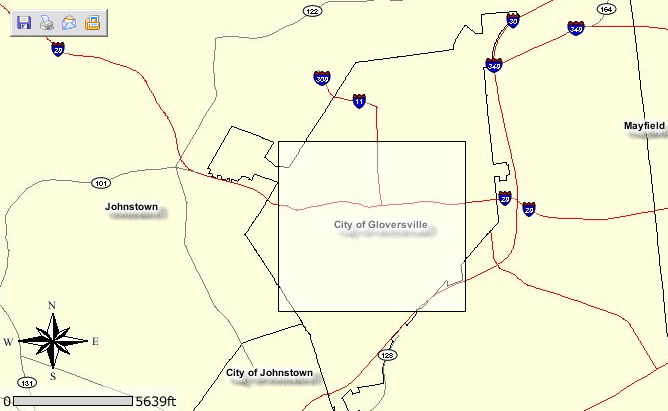
3) The map will re-center and zoom in where you clicked / dragged a box with your mouse.